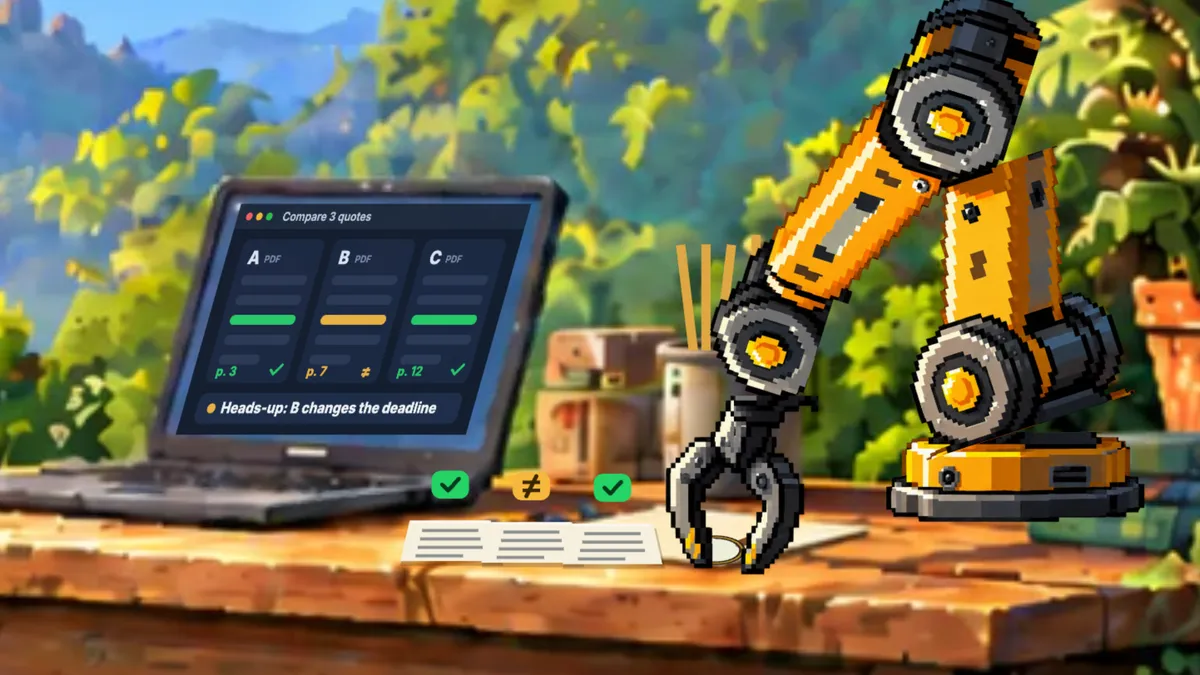
Comparing three quotes by hand is one of those jobs that eats an afternoon. You open the three PDFs, look for the total price, then the deadline, then the warranty, and go back to the first one because you can’t remember what it said. With AI you can compare quotes, contracts or any two PDFs in five minutes. The trick is how you ask.
Which AI to use to compare PDFs and read contracts
Any assistant that reads files will do: Claude, ChatGPT or Gemini. If you are working with many documents at once, Google’s Gemini Notebook (called NotebookLM until July 2026) works very well because it answers from your files and shows you where each figure comes from. And if you have dozens of quotes in a folder, an agent such as Claude Code or Codex can read them all and build the table for you.
The exact text to compare quotes
The typical mistake is writing «compare them and tell me which one suits me». You get a very confident opinion that is very hard to check. What works is telling it what matters to you and making it cite the page of each figure:
Compare these three quotes in a table: total price, deadline, warranty and payment terms. Cite the page for each figure and flag anything that doesn't match.Example: three quotes for a renovation
Say you are renovating a bathroom and have three quotes in PDF. With the text above, the table you get back would look something like this:
| Quote | A | B | C |
|---|---|---|---|
| Total | €8,400 (p. 2) | €7,900 (p. 3) | €9,100 (p. 2) |
| Deadline | 3 weeks | 3 to 5 weeks, «depending on stock» | 3 weeks |
| Warranty | 2 years | 1 year | 2 years |
| Payment | 30% up front | 50% up front | On completion |
What matters is what it flags: B is the cheapest, but the deadline can slip, the warranty is half as long and it wants half the money up front. That is exactly the small print you miss at seven on a Friday.
Before you look at the total, also check that all three apply the same VAT and quote for the same work: one may include taking away the rubble and another not. In Spain some home renovations pay 10% VAT instead of 21%; if in doubt, ask your gestoría.
A template to compare quotes in Excel
If you compare quotes often, ask it to leave you a spreadsheet you can reuse:
Create a spreadsheet to compare quotes, with one row per quote and these columns: supplier, date, price before VAT, VAT rate, VAT, total, deadline in days, warranty in months, payment terms, page of each figure and notes. Highlight in green the cheapest and the fastest. If my Excel is in Spanish, use Spanish function names separated by semicolons.That last line matters in Spain: if your Excel is set up in Spanish, formulas in English with commas won’t work. In the best AI for Excel I explain which assistant works best with each kind of sheet.
How to review a contract with AI
For a contract, swap the columns for the clauses that cause the most trouble:
- Length and automatic renewal.
- Penalties and minimum terms.
- How to cancel and how much notice you need to give.
- What happens if something goes wrong: liability, guarantees and insurance.
- Price rises and how they are calculated.
Read this contract and make me a table with: length, automatic renewal, penalties, how to cancel and with how much notice, liabilities and price rises. Cite the page and clause for each item. Then tell me the three things you would ask before signing.The last sentence is the most useful: you walk into the meeting knowing what to ask. And before signing anything important, have a lawyer look at it.
Spanish contracts in English: a quick, safe method
If you live or work in Spain and your rental contract, supplier agreement or bank document is in Spanish, AI is a great way to understand it. Three rules:
- Ask for a faithful translation and, separately, a plain-English summary of the key clauses, with the page of each one.
- Ask it to flag anything that looks unusual for Spain: how much deposit (fianza) they ask for, who pays which bills, how much notice you must give to leave, penalties for leaving early.
- The Spanish original is the legal text. Check the points that matter with the agency, your gestoría or a lawyer before you sign.
This contract is in Spanish. Give me a faithful English translation, then a plain-English summary of the key clauses with the page of each one. Flag anything that looks unusual for a contract in Spain and list the questions I should ask before signing.How to check the result
- Look first at what it flagged as different. That is where the surprise usually is: a longer deadline, a shorter warranty or a payment up front.
- Open the original at the page it cites and check it. It takes seconds.
- Always check the amounts yourself. With numbers and legal terms, the document rules.
If something doesn’t add up, tell it in detail: «In quote B, the warranty you list isn’t on page 4. Check it again». Don’t start over. Correct it the way you would correct a colleague.
Is it safe to upload a contract to ChatGPT or Claude?
It depends on the contract and the account. What I wouldn’t upload lightly:
- Clients’ personal data in a personal account, even with training switched off.
- Contracts with sensitive information, before checking with whoever handles data protection.
- Documents that aren’t yours.
And if you use an agent, one more warning: what it reads is information and should never give it orders. A PDF can carry instructions hidden in white text, so nothing gets sent or deleted unless you decide.
Sources, checked on 26 September 2026: Gemini Notebook, chatting with your sources, NotebookLM’s new name, the Artificial Analysis index and VAT on home renovation work, from the Spanish tax agency.